Women’s hormone therapy tracking
Women’s HRT tracker for patches, routines and history
DoseTide helps women organize a hormone therapy routine they already follow. Keep separate products, schedules, patch records, supplies and personal observations together while preserving the instructions for each item.
iPhone: coming to the App Store
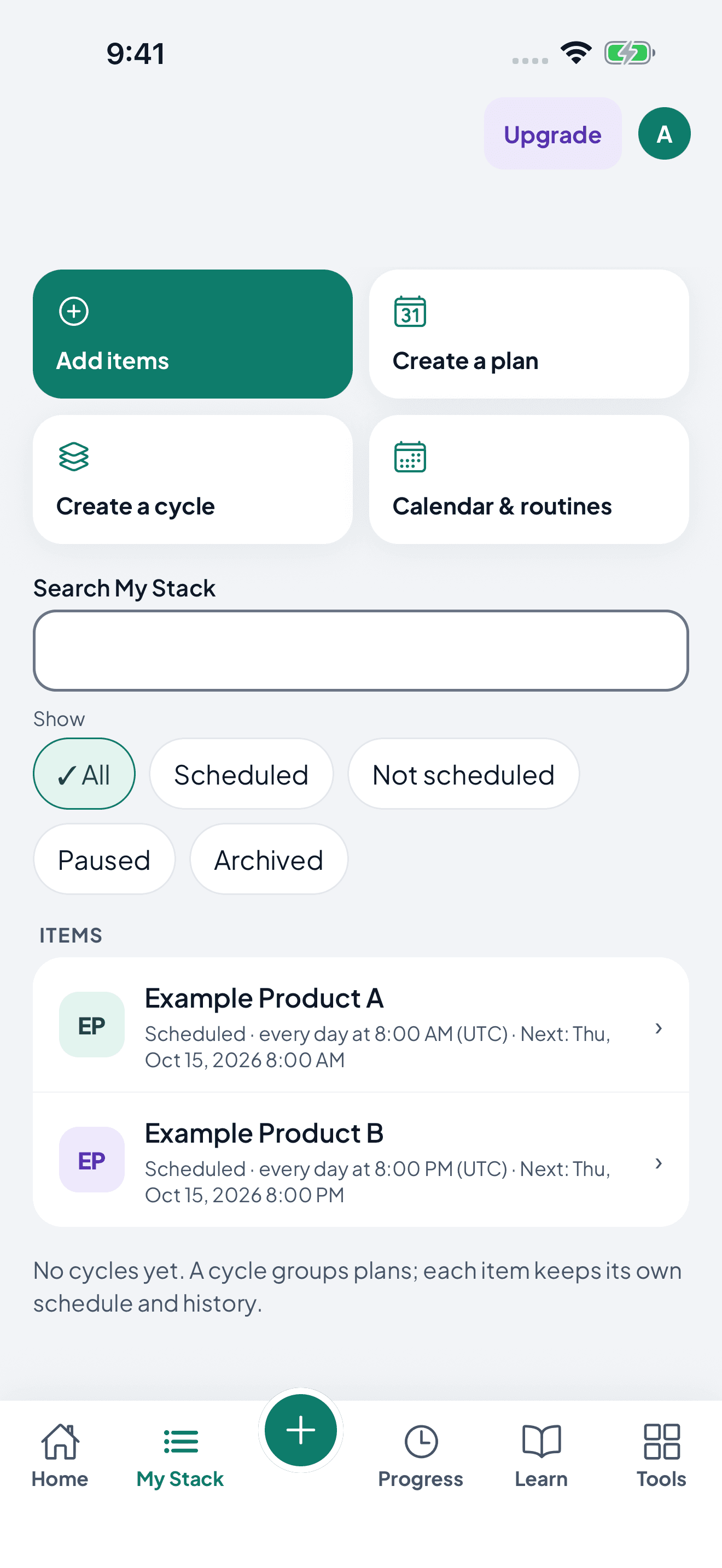
Each item keeps its own schedule.
My Stack lists every item separately, so different products, forms and units never merge into one checklist.
Patch records, step by step
- Applied: record when the patch went on.
- Active: see which patch is currently marked as worn.
- Removed or replaced: record the change at its actual time.
- Came off early: record it, then follow your product’s instructions.
Give each part of your routine its own record
When your plan includes multiple items, create a separate protocol for each. Name them clearly, choose the matching form and enter the schedule from your existing instructions. This keeps different amounts and units from becoming one ambiguous checklist.
Keep patch records clear
For a patch protocol, record application and removal or replacement, and review what is marked active. Calendar replacement and duration-based scheduling are different options; choose the one that matches the instructions you were given rather than guessing.
Track topical and oral routines in the right units
Use the appropriate tracking fields for your product and form. Keep strength, amount used and remaining stock distinct. If a field or instruction is unclear, confirm it with your pharmacist before activating the schedule.
Record observations without drawing conclusions
Log the symptoms or measurements you choose to follow and review them beside your timeline. Records can support a conversation with your clinician, but timing alone does not establish a cause or tell you to change treatment.
What DoseTide won’t do
- Decide whether hormone therapy is right for you
- Choose a regimen or combination
- Tell you how to respond to a missed or detached patch
Decisions about products, doses, timing and changes belong with your clinician or pharmacist.
Start with a clear routine
Gather your existing instructions, enter one item at a time, review the calendar and test reminders before relying on them. Phone settings and the operating system can affect reminders.
Common questions
- Can I keep patch changes and other HRT schedules separate?
- Yes. Give each item its own schedule and record. For patches, record application, removal or replacement and review what is marked active. Topical and oral items keep their own amounts and units, while the calendar brings upcoming items together.
- Does DoseTide recommend HRT or a hormone combination?
- No. It does not decide whether hormone therapy is appropriate or recommend a combination. It organizes an existing plan.
- What if a patch comes off or a schedule changes?
- You can record what happened. Follow the instructions for your specific product or ask your clinician or pharmacist what to do; the app does not choose a treatment response.
- Can I keep my records private from my partner?
- Yes. Household sharing uses separate adult accounts and permissions. You choose what to share; being in a household does not automatically share every record.
Make your records useful from day one
Check reminder setup, learn how to export your history, and compare what each plan includes.
Try DoseTide Pro
14 days free.
More ways to track.
Try eligible Individual Pro or Household Pro plans, billed monthly or annually. Compare both in the app before choosing.
For eligible new subscribers where the store offers a 14-day trial. After the trial, your subscription automatically renews at the selected plan price unless canceled before the trial ends. The store shows your eligibility, price, billing period and cancellation terms before confirmation. Downloading the app does not start a subscription.
Get Android app to start your trialCompare Free and Pro · Core tracking remains free.
Other routines
Different routines. The same need for a clear record.